Effective Ways to Utilize AI in Web Development (with Tool Suggestions)
AI is no longer a fringe innovation. It has gone mainstream, transforming the web development industry day by day. With this big picture, it’s time to look at where AI truly makes an impact across the web development workflow.

Content Map
More chaptersThe phrase “artificial intelligence” is no longer the talk of the future but a reality. The technology itself has evolved far beyond what a majority of people can imagine. It is all around us, covering nearly all aspects. The scope of tasks that AI models are capable of handling is vast, and it continues to escalate over time. It is no exaggeration to say that there is likely no area where AI has not been applied. Web or web app development is not an exception.

Long story short, AI is no longer just a convenience layered onto the development workflow. It is actually being used in web development today. Our article will show you how websites and web apps are planned, designed, built, tested, optimized, and maintained with the power of AI. Let’s go into different areas of application. To make the insights more actionable, we will include recommended AI tools for each category so you can easily consider these techniques for your current or upcoming projects.
Key Takeaways:
AI is reshaping the web development landscape, but its role is supportive rather than replacement-level. It enhances productivity, accelerates workflows, and improves consistency across design, development, testing, and content creation.
- AI-assisted coding makes development faster and more efficient, generating boilerplate logic, suggesting improvements, and helping teams deliver high-quality code with less repetitive work.
- AI-driven design and prototyping tools bridge the gap between concept and implementation, enabling teams to generate wireframes, UI layouts, and even production-ready components with minimal manual effort.
- In testing and QA, AI removes much of the repetitive overhead, generating test cases, automating complex user flows, self-healing broken tests, and detecting performance anomalies long before they become user-facing issues.
- For content generation and SEO optimization, AI streamlines the creation of on-brand copy, metadata, and blog content while also providing data-backed insights to improve rankings and maintain search competitiveness.
How Traditional Web Development Has Changed in the Age of AI
You may be surprised to learn that the integration of AI into the web development landscape began long before the third “AI boom” of the 2020s. As early as 2006, major tech companies like Google, Facebook (now Meta), Netflix, and Twitter (now X) were already leveraging machine learning algorithms not for coding or generating interfaces but for analyzing user data to deliver personalized user experiences and highly targeted advertising. At this stage, AI lived mostly in the backend, quietly powering recommendation engines and decision systems far removed from the traditional development workflow.
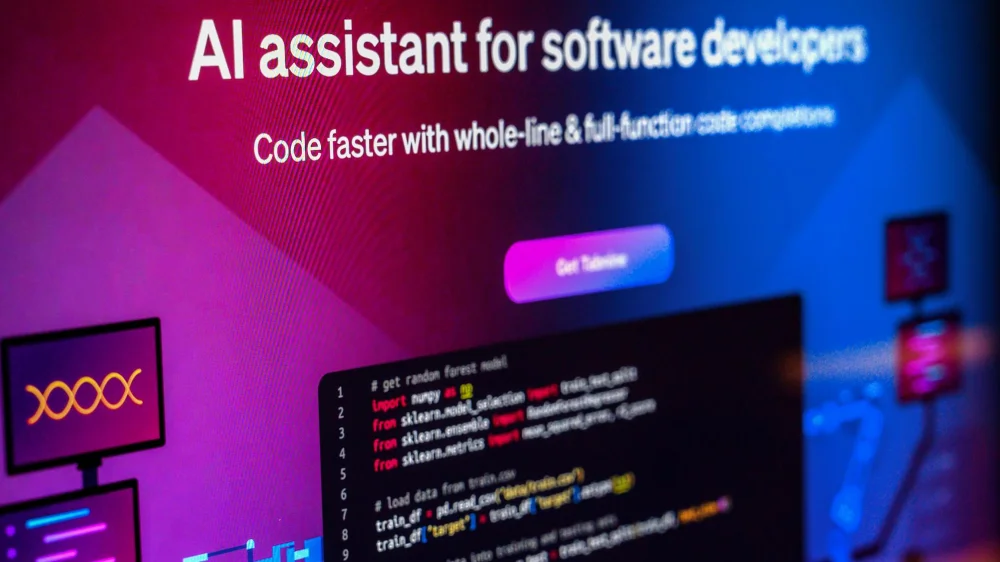
From the mid-2010s onward, however, AI began evolving into a more visible and hands-on presence in the web development process. This era saw the rise of Artificial Design Intelligence (ADI) tools capable of automating layout generation and producing website templates based on a designer’s input. Analytics platforms also grew increasingly intelligent, using AI to assess performance metrics, identify optimization opportunities, and provide software developers with actionable insights rather than raw data. These early tools hinted at what was to come: A future where AI would no longer remain behind the scenes but would actively participate in the creation and refinement of the web.
The current decade has marked a dramatic shift. With the explosion of generative AI, large language models, and multimodal systems, AI is now deeply integrated into nearly every layer of web development. Developers can generate production-ready code from natural language prompts; designers can transform text descriptions into full UI mockups, and testers can automate complex QA workflows with AI-driven insights.
AI is no longer just supporting web development or broadly, software development. It is reshaping how developers build, optimize, and maintain digital experiences from the ground up.
Use Cases & AI Web Development Tools That Can Streamline Your Efforts
In the web development world, AI has become an indispensable tool to power multiple stages within the entire web development process. With AI, web development professionals (not just developers) are no longer limited to traditional toolchains and manual processes. Instead, they access a variety of no-code tools and AI-powered recommendation systems that help them with more complex tasks rather than just automating repetitive tasks. Let’s visit the key areas where AI can add value.
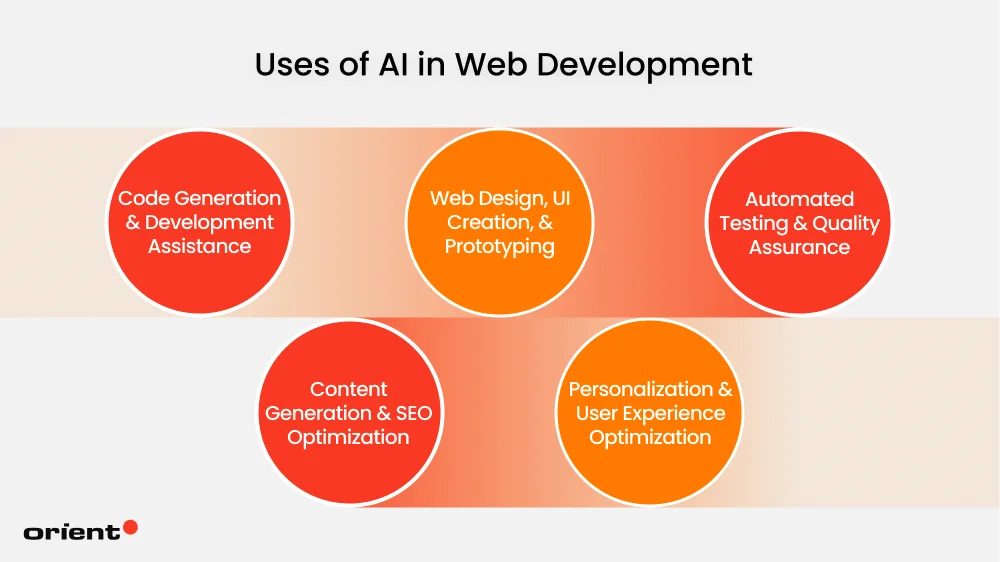
For Code Generation & Development Assistance
Starting from the position of sidekicks, AI has quietly matured, becoming co-creators in the coding process. In the simplest terms, it helps developers write code faster. 91% of developers utilize AI for some form of code generation.
AI-powered development assistance involves using artificial intelligence, primarily large language models (LLMs) trained on vast datasets, to automatically generate, optimize, debug, and deploy code with minimal human input. Intelligent tools can produce not only code snippets, but also entire functions or components based on natural language descriptions or visual designs.
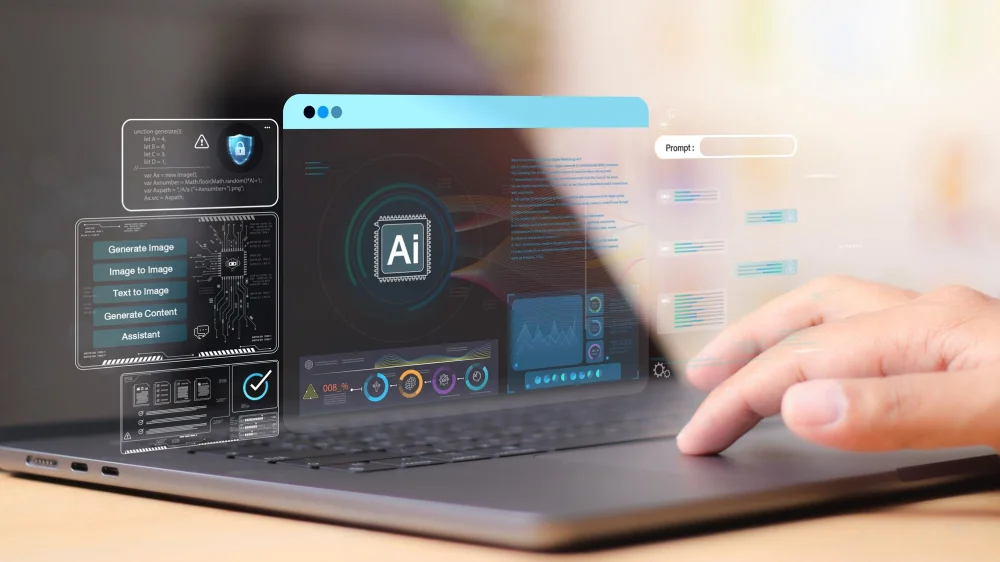
Unlike older generations of coding assistants that relied on pattern matching or static suggestions, today’s AI development tools leverage natural language processing (NLP) to comprehend developer intent, context, and project structure.
More than just automating the creation of code, they eliminate the most repetitive and time-consuming parts of development, such as writing boilerplate, scaffolding new features, converting pseudocode into functional components, and translating high-level ideas into structured implementations.
With AI-powered coding assistants, development teams can benefit from shorter release cycles while optimizing effort and productivity. According to the 2025 developer survey by StackOverflow, 84% of respondents are using or planning to leverage AI in the development process, which is an increase of 76% compared to the previous year. Among them, 51% of professional developers use AI-powered tools on a daily basis.
Recommended Code Generation Tools

- GitHub Copilot: Created in collaboration between GitHub and OpenAI, GitHub Copilot is widely used by developers for accelerating frontend and backend coding. Trained on millions of code examples, GitHub Copilot acts as an AI pair programmer inside your integrated development environment (IDE). It provides inline code suggestions in real time, generates boilerplate code, handles authentication logic, and assists with error handling. Beyond autocompletion and explanation, GitHub Copilot offers contextual awareness that comes in handy for both beginners and experienced developers.
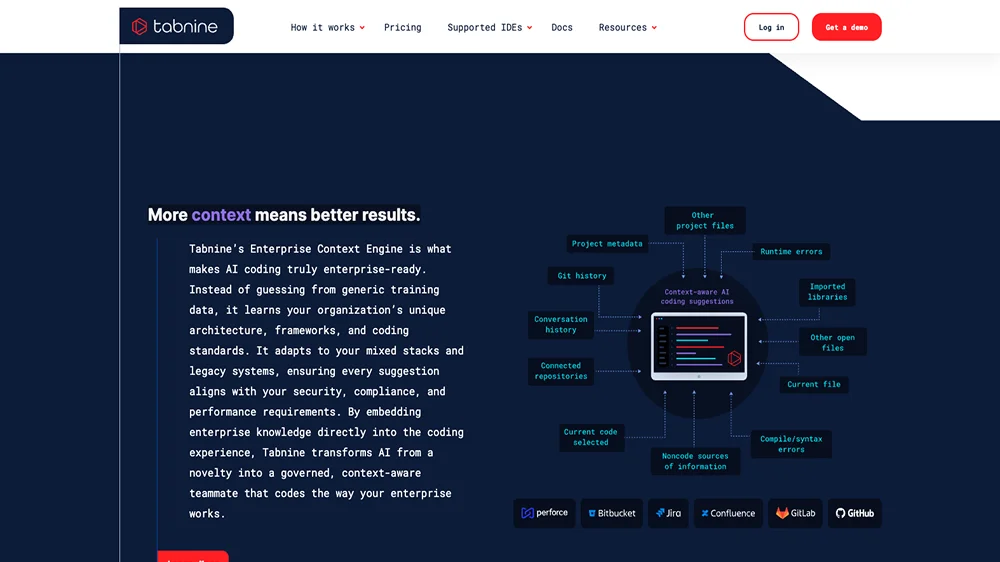
- Tabnine: Tabnine is an AI code completion tool designed for professional teams. Unlike GitHub Copilot, which is trained broadly, Tabnine can be customized to analyze code and learn from your project. For example, the programming languages that you use, your naming conventions, your architecture, and your quirks. So, the AI-generated code will align with your team’s style. The more you work with it, the more its suggestions feel like they come from someone who already understands your internal standards rather than a general assistant guessing from public code. Moreover, Tabnine is trained exclusively on permissively licensed code, making it a safer option compared to broadly trained coding assistants. You can use Tabnine for free; however, you need to pay for a Pro version if you want advanced AI-powered features.
- Other Options: AWS CodeWhisperer, Replit AI, ChatGPT, etc.
For Web Design, UI Creation & Prototyping
Staggeringly, around 93% of web designers have incorporated AI technology and drag-and-drop editor tools (E.g., Canva and Design Wizard) into their workflows for a wide mix of tasks. To some extent, AI in web design is no longer fringe; it has gone mainstream.
Integrating AI into the design process can streamline the workflow and bridge the long-standing gap between concept, design, and functional interface. In traditional front-end design, creating user interfaces involves a series of iterative stages. It ranges from wireframing, prototyping, layout refinement, and translating static designs into code. With AI, designers can now shorten these cycles by automating many of the steps that once required hours of manual work.
Modern AI web design tools can generate wireframes, color palettes, layout patterns, and even complete UI sections from a simple text prompt or a rough sketch.

Beyond visual generation, AI also plays a major role in transforming static designs into production-ready code. Design-to-code systems can read Figma or Sketch files and convert them into clean HTML/CSS, React components, or TailwindCSS structures. This eliminates the tedious handoff process and reduces potential miscommunication between designers and developers. As a result, teams can maintain visual consistency, launch features faster, and iterate more fluidly.
Moreover, AI tools can detect contrast issues, generate alt text, and flag potential usability problems based on established heuristics. These insights allow teams to build more inclusive and user-friendly interfaces as well as enhance user experience (UX) without needing deep knowledge of accessibility standards.
For prototyping, AI also makes it easier to build interactive demos that feel close to the final product. Interactive transitions, user flows, and simulated user interactions can be generated automatically. And this is an invaluable advantage when presenting ideas to stakeholders or testing assumptions early in the development cycle.
Recommended AI-Powered Design Tools
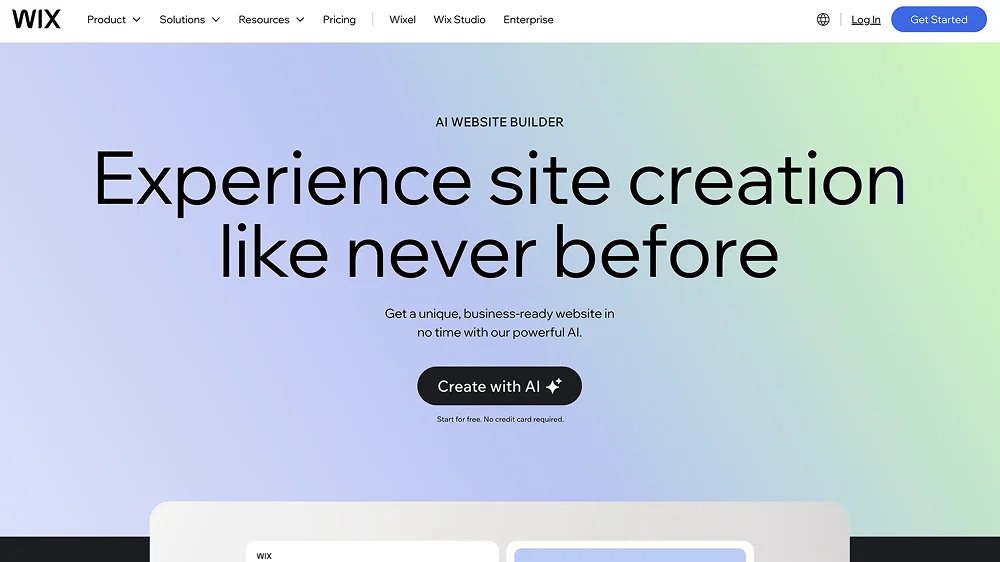
- Wix ADI: Wix is a widely popular website-building platform that enables users to create professional web pages without extensive coding knowledge. Wix ADI (Artificial Design Intelligence) is a specialized feature within the Wix ecosystem. Unlike traditional Wix’s drag-and-drop editor, Wix ADI can generate complete website layouts from user inputs. For example, business types and desired features. This tool is designed for non-technical users. It uses machine learning and design heuristics to generate layouts, color palettes, and content structures that align with user preferences.

- Uizard: A modern AI website builder that transforms sketches, screenshots, and text prompts into wireframes or interactive prototypes. Uizard is especially useful during early ideation phases because it can rapidly turn rough concepts into tangible visual designs. It is easier for teams to iterate on ideas without starting from scratch.
- Other Options: Relume, Figma AI, Framer AI, Hostinger, etc.
For Automated Testing & Quality Assurance
Code delivery and quality can also benefit significantly from AI. Modern AI-powered testing tools combine machine learning models, NLP, computer vision, and predictive analytics to ensure broader and more accurate test coverage with far less manual effort. Much like AI’s role in web design, tools powered by machine intelligence bring automation to the repetitive, error-prone, and time-intensive tasks that traditionally slow down testing and QA cycles.
AI-driven tools can automatically generate test cases based on real user behavior patterns, recent code changes, or historical defect data. Instead of manually scripting every test, developers can rely on AI to propose or create unit tests, integration tests, and full end-to-end flows that reflect how users actually interact with the application. This reduces coverage gaps, uncovers hidden edge cases, and minimizes the tedious overhead associated with traditional test creation.

Beyond basic testing, some advanced tools can even automate highly complex scenarios. For instance, multi-step user journeys, dynamic or personalized interfaces, conditional workflows, and cross-browser variations. These use cases are typically difficult and time-consuming to automate manually.
Additionally, AI can enhance test maintenance as well. Traditional automated tests often break when the UI changes, requiring constant updating. AI-driven systems can “self-heal” tests by recognizing updated selectors, adjusting test scripts, or adapting to layout changes without human intervention. This dramatically reduces false failures and prevents developers from wasting time fixing brittle tests.
One more major benefit of integrating AI into the testing workflow is its ability to detect anomalies in application performance and user flows. By analyzing logs, heatmaps, and real-time behavior, AI can identify unusual patterns that signal potential issues long before they surface as errors. Instead of reacting to failures after they occur, teams gain proactive insights that enable them to address problems early, often before users ever encounter them.
Recommended AI Test Automation Tools
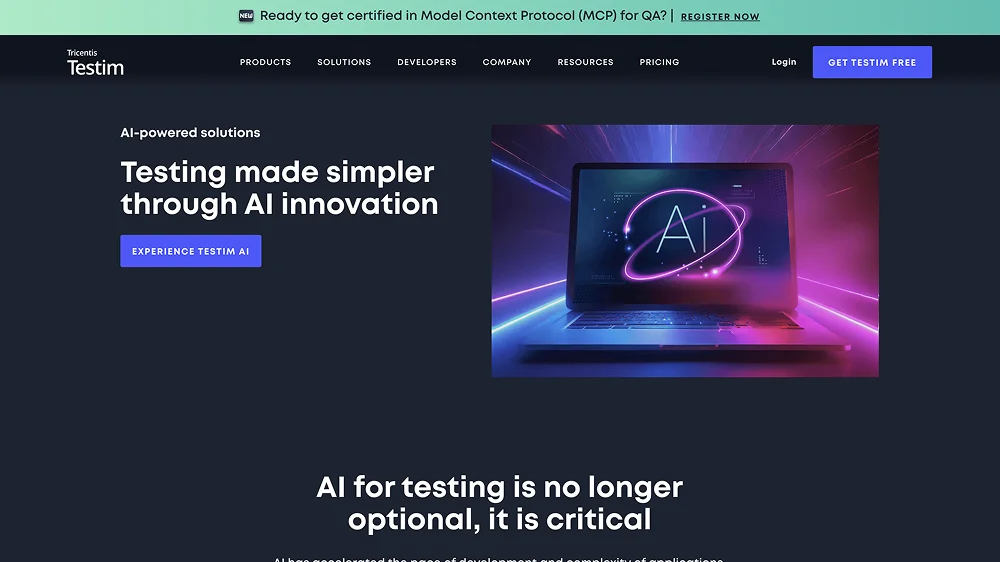
- Testim: Testim utilizes machine learning to create, manage, and stabilize automated tests with minimal manual scripting. Its standout feature is its self-healing capability. When UI elements change, such as IDs, classes, or layout structures, Testim intelligently updates the test logic rather than letting scripts break. This makes it ideal for complex projects and fast-moving development teams where the UI evolves frequently. Testim also learns from user interactions to build robust test flows, enables visual validations, and integrates smoothly into CI/CD pipelines, helping teams maintain high test coverage without constant maintenance.
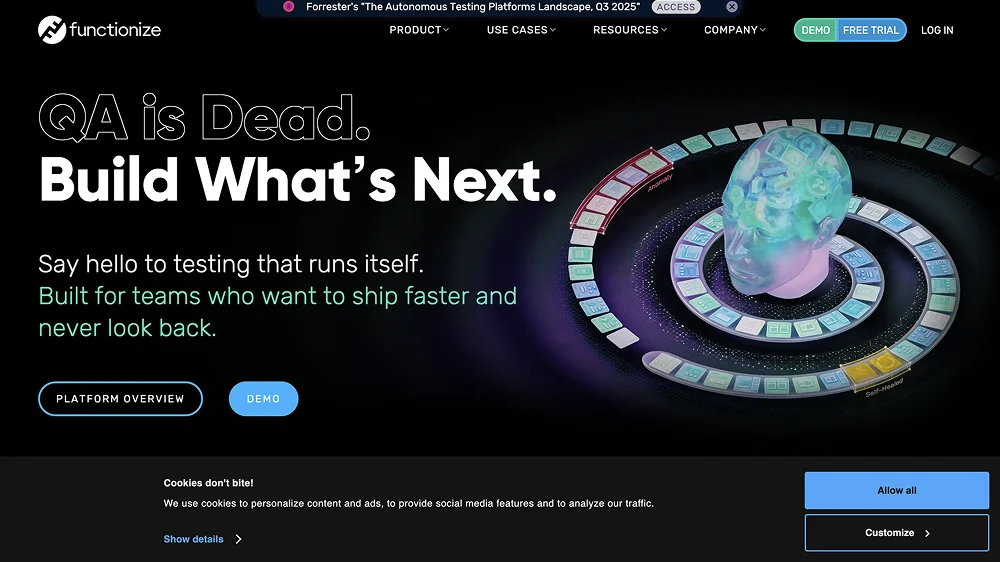
- Functionize: Functionize is a cloud-based, AI-powered testing platform that simplifies the creation and maintenance of complex end-to-end tests. This testing tool lets development teams build tests using natural language or simple interactions, and its machine learning engine interprets these steps into stable, intent-based test cases. With features like adaptive self-healing, visual validation, and automated root cause analysis, Functionize reduces the need for constant test maintenance and helps teams keep pace with rapid UI and workflow changes. It’s especially useful for large or fast-evolving web applications that require scalable, intelligent test automation.
- Other Options: Applitools, Mabl, Virtuoso QA, etc.
For Content Generation & SEO Optimization
The next critical part of any modern website is content. It takes different forms, from product descriptions and landing pages to blog posts, metadata, or UX microcopy. Traditionally, producing and optimizing website content for good rankings often demands a mix of manual writing, keyword research, SEO performance audits, and continuous revisions.
In modern web development, you can take advantage of AI to accelerate both creativity and optimization. AI-powered chatbots, such as ChatGPT, Claude, and Gemini, come in and reshape the entire workflow by making content creation faster, more consistent, and far more data-driven.

These tools can generate high-quality drafts based on a brand’s tone of voice, target audience, and SEO goals. For that, marketers and developers have a strong starting point instead of drafting everything from scratch. They can also analyze search intent, suggest relevant keywords, and structure content in ways that align more closely with how users search and what search engines reward.
When integrated into a CMS or editorial workflow, AI also assists with microtasks that usually take effort to maintain at scale, such as translating content into multiple languages, generating summaries for social previews, auto-tagging resources, and grouping related content. This builds a more efficient content pipeline where teams can spend less time on tedious tasks and more time refining message quality and strategic direction.
On the SEO front, AI brings a level of analysis and automation that would be nearly impossible to replicate manually. These smart tools can evaluate search trends, identify relevant keywords, analyze competitors, and recommend structural improvements such as headings, schema markup, internal linking, and metadata optimization. They can also scan existing content for duplication, thin copy, readability issues, or opportunities to better match search intent. When combined, these insights help ensure websites rank higher and remain competitive in search results.
Recommended AI-Driven Content Generation Tools
- ChatGPT: Needless to say, ChatGPT is the ubiquitous AI writing tool most people have heard of or used at least once. It excels at generating high-quality drafts, refining tone, rewriting content for clarity, and producing long-form pieces like articles or landing pages. With proper prompting, ChatGPT can also create the content formats that you want. Flexibility and ease of use are what make ChatGPT a strong all-purpose content creation assistant. You should also check its latest version (GPT-5) for more updated features.
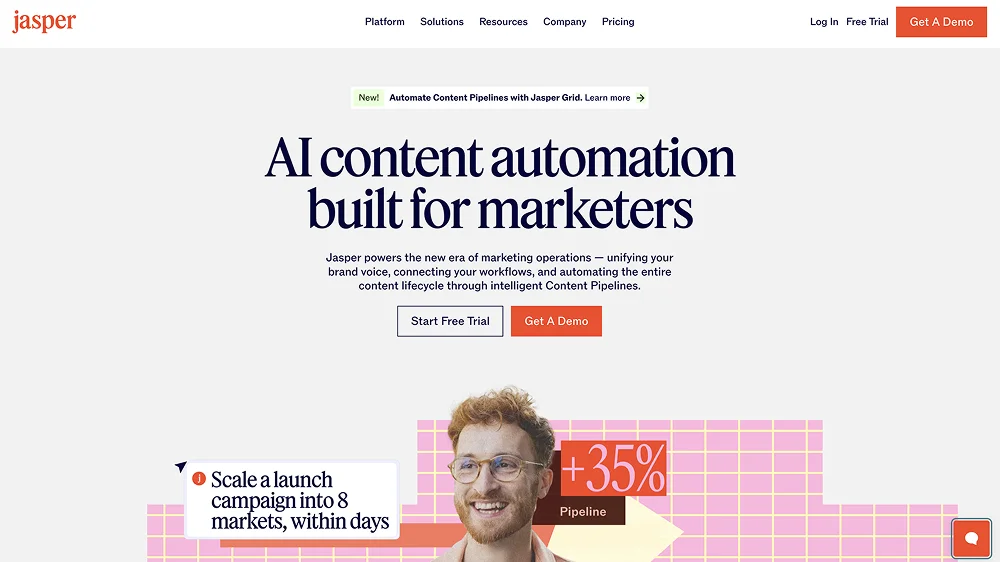
- Jasper: Jasper, or Jasper AI, is specifically designed for marketing and brand-aligned content. It offers pre-built templates for ads, landing pages, emails, and product descriptions, and its Brand Voice feature helps maintain consistency across all content assets. Jasper integrates well with CMS workflows and is widely used by marketing teams that need scalable, on-brand copy across multiple channels.
- Other Options: Grammarly AI, Writesonic, Copy.ai, etc.
Recommended AI Tools for SEO
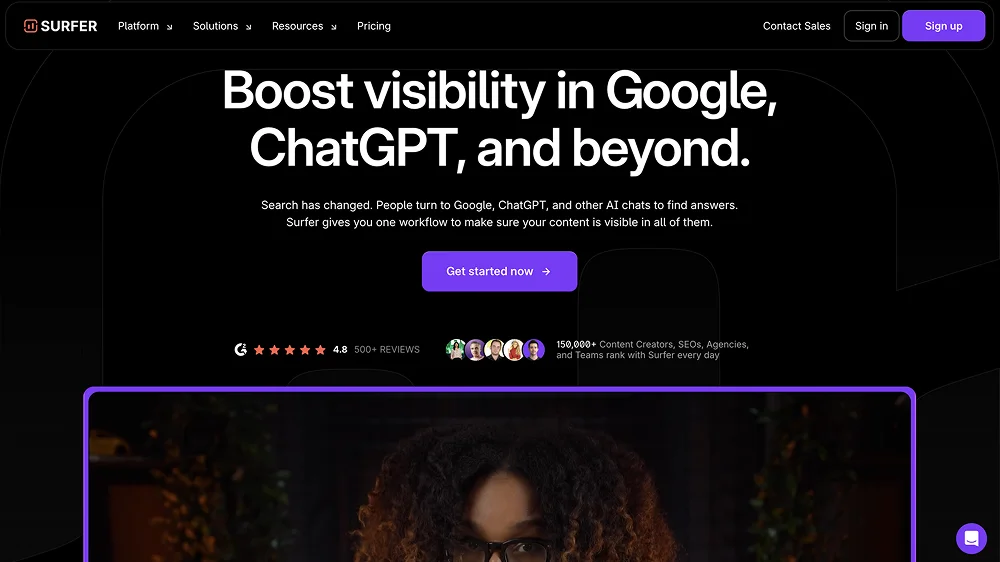
- Surfer SEO: Powered by AI algorithms, Surfer SEO is a data-driven platform that analyzes top-ranking pages and aggregates findings into actionable recommendations for improving content structure, keyword usage, and semantic depth. If paired with AI writers like Jasper, Surfer can guide content production to match search intent and improve ranking potential. The platform showcases real-time optimization scores and highlights specific ways to enhance headings, readability, internal linking, and keyword coverage. Any SEO-focused content team should consider adding Surfer SEO to their toolkit.
- Other Options: AI Search Grader, Semrush, AlliAI, etc.
Final Concern: Will AI Replace Web Developers in the Future?
The rise of AI-assisted coding, design automation, and intelligent testing tools naturally leads to a pressing question: Is this the age of fully AI-powered websites? Will AI eventually leave human developers unemployed?

The debate has been circulating in the tech world for years, but the recent wave of global AI disruption has amplified it like never before. The pace of AI adoption across industries has surpassed predictions, often outstripping even the most optimistic expectations. Media outlets have fueled the conversation as well. For instance, an article by VOX described the mounting AI hype as an “AI apocalypse.” The writing captures both excitement and anxiety about what this technology could mean for the future of work.
Yet beyond headlines and speculation, the practical reality is more grounded. The innovations AI has brought to software and web development are undeniably transformative, not experimental anymore. Nonetheless, none of the advancements signal the end of human web developers. Much like Adobe Illustrator or Photoshop empowered designers rather than replacing them, AI functions as a powerful assistant that enhances professional capabilities rather than eliminating the need for expertise.
That is why the short answer is still NO. One thing to be certain of is that AI will change the role of human professionals in web/web app development, which pushes them toward higher-level decision-making, creative problem-solving, and supervising AI-generated output. All in all, the future of web development is human-AI collaboration.
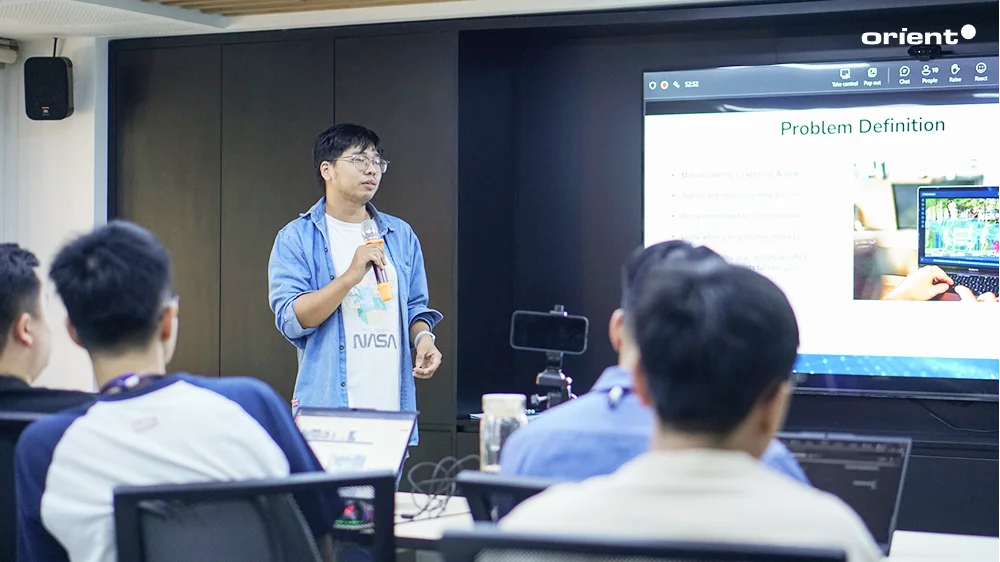
At Orient Software, we view AI as a powerful accelerator, not a replacement for skilled engineering teams. Our developers use AI to enhance productivity, streamline repetitive tasks, and reduce turnaround times while maintaining human expertise as the core of every project. AI elevates what our teams can achieve, helping us deliver solutions faster while preserving the craftsmanship and technical depth that only experienced professionals can provide. As a reliable partner, we have dedicated teams of experts to guide you on AI prompts and how to use AI tools in the most effective way. Beyond adoption, we offer a full range of AI consulting and development services. Let’s discover everything AI with us.

Trung Tran
Technical/Content Writer
Trung Tran
Technical/Content Writer
Topic: